
Ask your AI about production incidents
Use natural language to query incidents, run analysis, and get fix suggestions directly in Cursor, Kiro, or any MCP-compatible IDE.
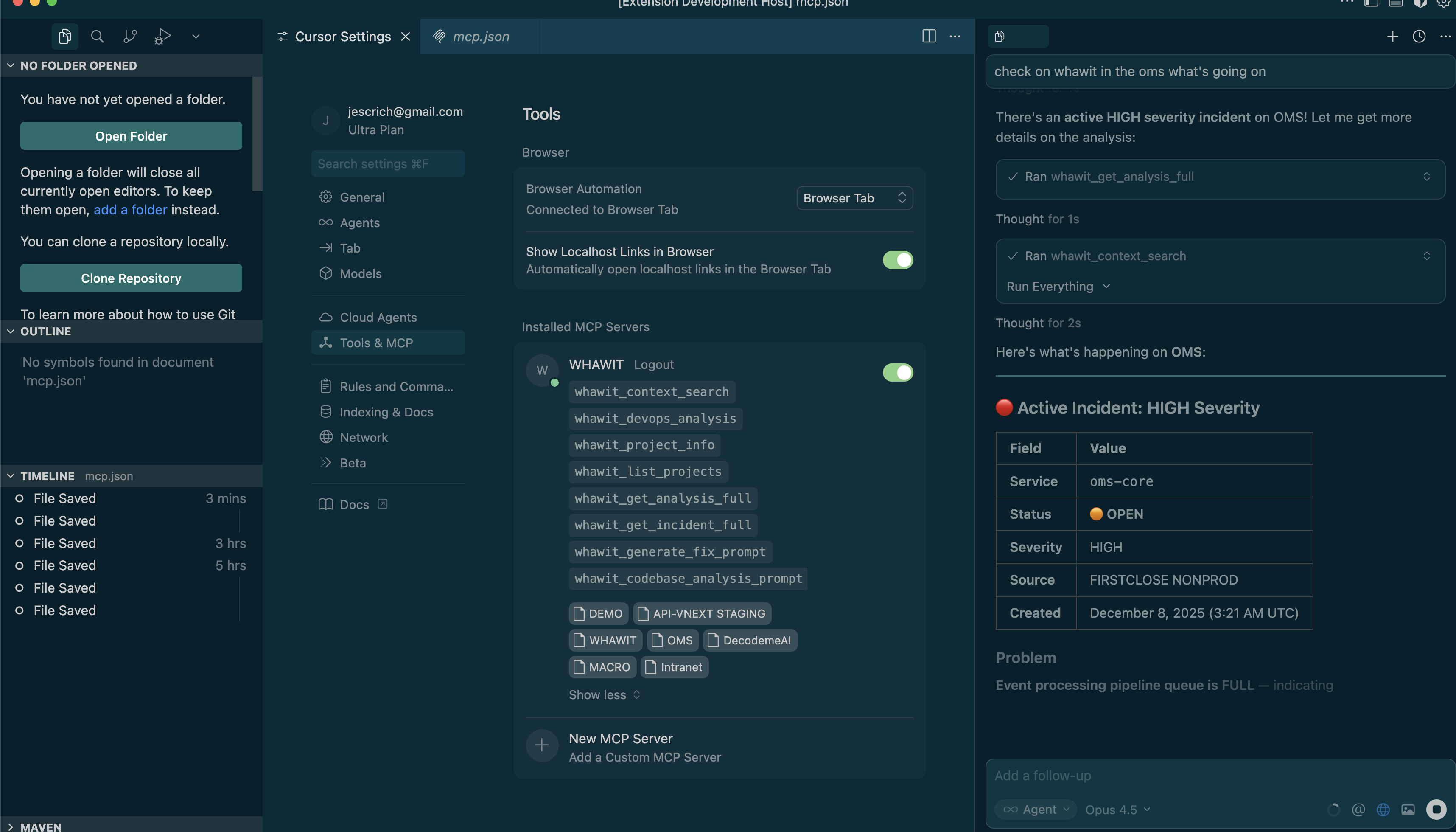
"Do we have any errors on OMS in the last 24 hours with the orders?"
🚨 Open Incident Detected
There's a HIGH severity incident currently open for the oms-core service: Event processing pipeline queue is FULL...
8 Powerful Tools at Your Command
Your AI assistant can use these tools to query incidents, analyze issues, and suggest fixes.
whawit_context_search
Search across your project context to find relevant logs, errors, and patterns.
whawit_devops_analysis
Run comprehensive DevOps analysis on your infrastructure and services.
whawit_project_info
Get detailed information about a specific project including status and config.
whawit_list_projects
List all available projects in your Whawit workspace.
whawit_get_analysis_full
Retrieve the complete analysis with all details, insights, and recommendations.
whawit_get_incident_full
Get full incident details including severity, timeline, and affected services.
whawit_generate_fix_prompt
Generate AI-powered fix suggestions based on the incident analysis.
whawit_codebase_analysis_prompt
Analyze your codebase for potential issues related to incidents.
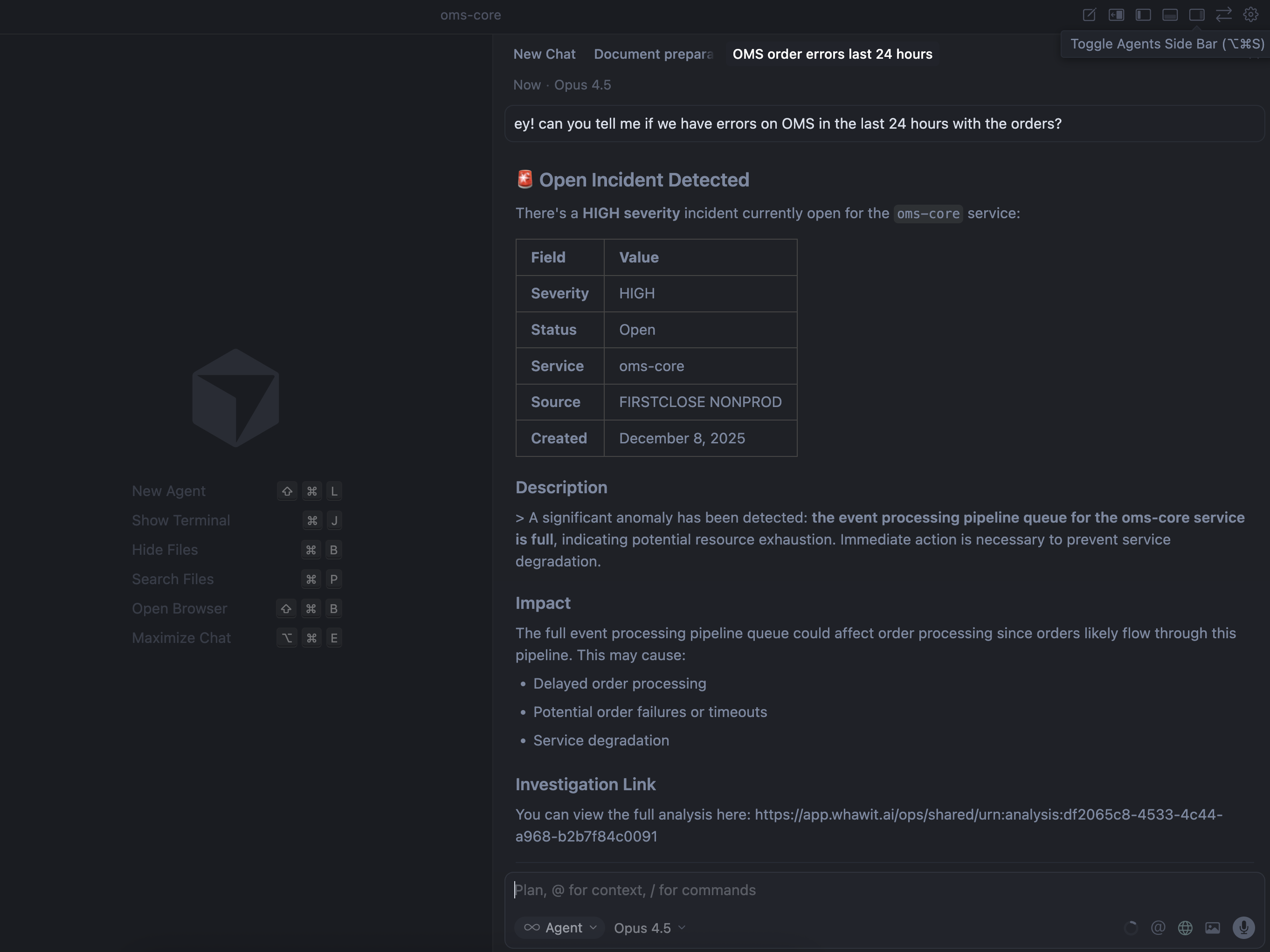
Easy Setup in Any MCP-Compatible IDE
Add Whawit to your IDE's MCP configuration and unlock the full power of AI-assisted incident management.





See MCP in Action
Watch how to investigate incidents using natural language queries in your IDE
Ready to supercharge your AI?
Connect Whawit to your AI-powered IDE and start querying incidents in natural language.